Impressive OCR
Free editionPowerful OCR for your documents — on your desktop or your server.
Turn PDFs and scanned documents into searchable PDFs, editable text, Word, Excel, Markdown, JSON and more — without uploading your files to a cloud service.
Built on PaddleOCR. Runs on Windows, macOS and Linux.
Free for private, non-commercial use. Commercial licenses available for companies.
109 languages · Desktop and server · No cloud upload · GPU optional
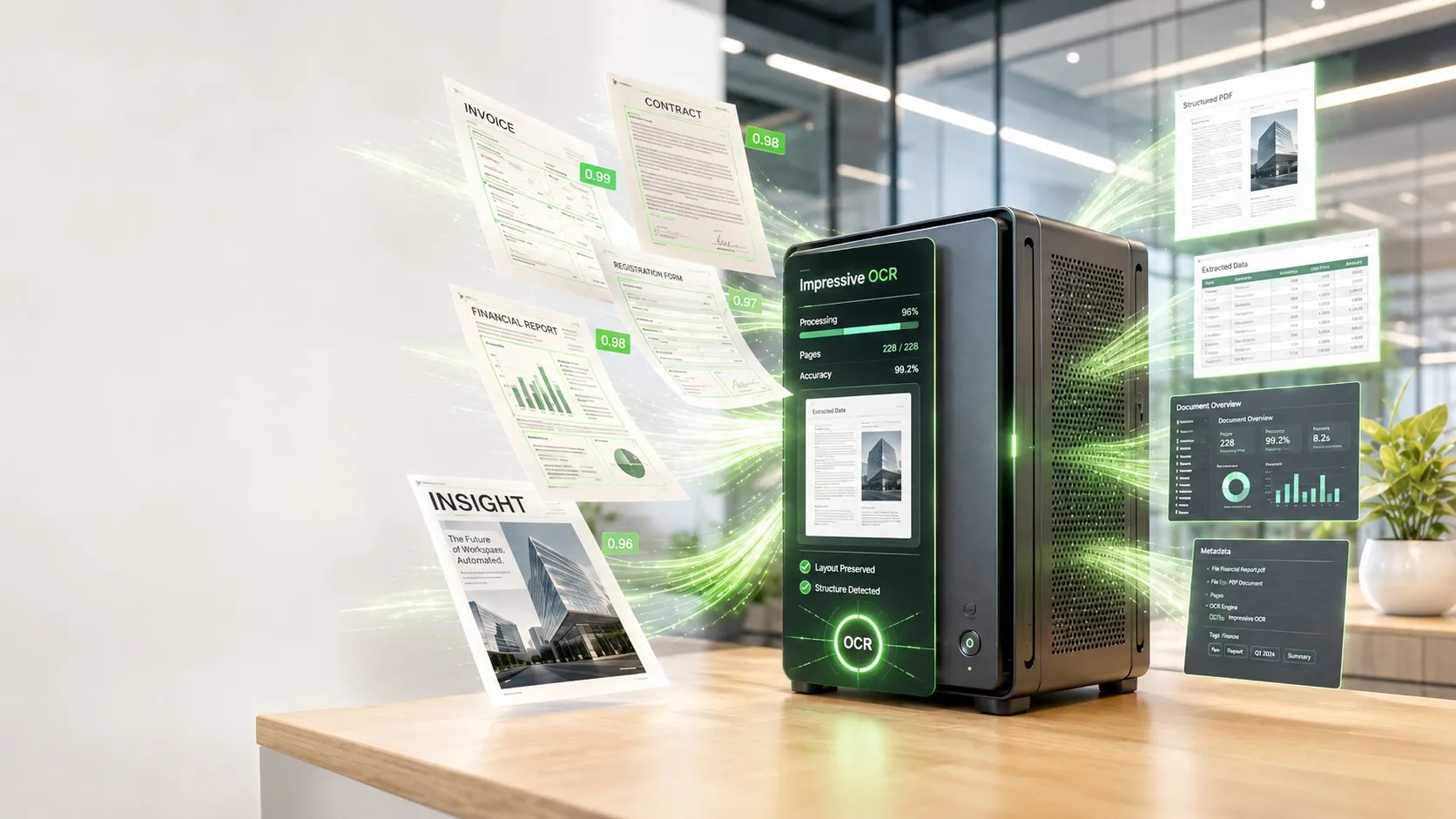
See it working
2 views · scroll or swipeQuick Mode is for when you simply want a few documents read. Pick files or a folder, tick the formats you want out, and start — no project to create and no workflow to configure. Nothing is moved, renamed or deleted.
OCR that fits the way you work
Impressive OCR turns scans and PDFs into information you can actually use. Run it as a normal desktop application on your own computer, or install it as a server for automated document processing.
Quick Mode — OCR documents right now
Open Impressive OCR, select one or more files or folders, and start. No project to create, no workflow to configure. It suits scanned letters, invoices and receipts, contracts, reports and publications, existing PDF archives, and images with text in them. Choose the outputs you need and they are all created in one pass.
Pipelines — automate recurring OCR
For document processing that happens regularly, create a pipeline with an input folder and an output folder. Drop a new document into the input folder and Impressive OCR detects it, queues it, processes it, creates the formats you selected and writes them to the output folder.
A document that fails can be retried and then quarantined without stopping the rest of the queue — which is what makes the same software work for a single scanning workstation and for an automated document-processing server.
Server — OCR for your team or an application
Run the same recognition engine headless. A dedicated machine processes documents centrally while people work through the browser, or while other systems feed documents into pipelines. No cloud OCR service is involved at any point.
Installing it takes one command on any Linux box with Docker — or no command at all if you already run Infinity Tools, which carries Impressive OCR in its app catalogue and sets up the reverse proxy, the certificate and the backups along with it.
Two engines, one application
Impressive OCR packages PaddleOCR into an application you install and use, instead of an OCR stack you have to assemble and operate yourself. It ships with two recognition engines, and you pick the one that fits the job.
Accurate is built on the PaddleOCR-VL 0.9-billion-parameter vision-language document model. It is the one for complex documents — magazines, newspapers, multi-column pages, tables, difficult scans, and anything where reading order matters. On a suitable NVIDIA GPU it takes around two seconds a page.
Fast is built on PP-StructureV3 and PP-OCRv6. It is particularly useful for conventional documents such as invoices and forms, and it carries the specialised table, formula, chart and seal recognisers.
How good is the recognition?
Once you know what the product does, accuracy matters. So we tested Impressive OCR against a hand-checked reference transcription of a deliberately difficult German magazine page: two columns, a photograph, complex typography, 637 words.
| Word accuracy | Bag recall | Reading-order loss | |
|---|---|---|---|
| Reference transcription | 100% | 100% | — |
| Impressive OCR — Accurate | 98.4% | 98.7% | 0.3 pts |
| Impressive OCR — Fast | 95.1% | 97.2% | 2.0 pts |
The Accurate engine differed from the reference in only six places across 637 words. Word accuracy is order-sensitive; bag recall ignores order entirely and measures how much of the page was read at all. The gap between the two is what reading-order damage costs you.
This is one test document rather than a benchmark suite, and we publish it as exactly that: an example of the quality you can expect on a genuinely hard page.
Your documents stay on your machine
Many documents are precisely the files you do not want to upload somewhere else — customer records, contracts, invoices, personnel documents, medical records, internal reports, confidential correspondence.
Impressive OCR processes them locally. Your document content is not sent to a cloud OCR service. There is no cloud OCR account, no API key, no document upload, no per-page cloud processing, and no external copy of your documents made in order to read them. Once the models are installed, recognition runs with no internet connection at all.
For organisations handling sensitive or personal data, that removes an entire external data-processing step from the workflow.
Works with the hardware you already have
A dedicated graphics card is optional. Without one, Impressive OCR runs on the processor alone and the Accurate engine takes roughly 11 seconds a page on the tested system — with the same recognition quality. With an NVIDIA card of 8 GB VRAM or more, the same page takes around two seconds.
| Minimum | Recommended | |
|---|---|---|
| Graphics card | none — runs on the processor | NVIDIA, 8 GB VRAM or more |
| Memory | 8 GB | 16 GB |
| Operating system | Windows 10 1809+, macOS 12+, Ubuntu 22.04 or equivalent |
Free for personal use. Commercial for business use.
The software is not divided into a limited free edition and a more capable paid one. You get the same OCR engines, the same 109 languages and the same output formats either way. What changes is the license.
Personal is free, for private and non-commercial use on up to three machines, under the AGPL-3.0. Both engines, every language, every output format, Quick Mode, watched-folder pipelines, searchable PDFs, local processing.
Commercial is a perpetual license for use in or for a company or other organisation. The same complete software — desktop application, server edition and automated pipelines — with no per-page, per-document or per-seat metering, and perpetual use of the version you bought. It replaces the AGPL’s requirements with commercial licensing terms suited to organisational use.
What you get
Eight outputs from one pass
Searchable PDF, plain text, Markdown, JSON, Word, Excel, HTML, and a detection overlay showing what was found. Generate one, or several at once.
Scanned PDFs become searchable
The original pages are kept exactly as they are and an invisible text layer is added, so the document still looks like the scan but can be searched, copied and indexed by your document management system.
Structure, not just words
Paragraphs, headings, multiple columns, tables and forms are recognised as what they are. Optional recognisers handle tables, formulas, charts and seals.
Existing archives handled intelligently
A PDF that already contains usable text can be kept, skipped or read again. A mixed archive of scanned and digital pages does not have to be processed blindly from beginning to end.
109 languages, automatically
No language selector to set before every document. Latin scripts and their accents, Cyrillic, Chinese, Japanese and Korean — and mixed-language pages in a single pass.
Nothing is uploaded
No cloud OCR account, no API key, no document upload, no per-page cloud processing. Once the models are installed, recognition runs with no internet connection at all.
Desktop application or server
The same recognition engine either way. A dedicated machine can process documents centrally while everyone else works through a browser.
No metering
No per-page, per-document or per-seat fees. A commercial license covers the version you bought, for as long as you use it.
Download Impressive OCR
v1.0.13Released 16 September 2026Pick the build for your machine. Nothing is installed in the background, no account is created, and the application does not phone home.
Desktop application
Free under the AGPL-3.0 for private, non-commercial use, on up to three machines. The macOS build is code-signed.
- Windows.exe installer · 132 MB
- macOS (Apple Silicon).dmg · 154 MB
- Linux.AppImage · 164 MB
- Linux (Debian, Ubuntu).deb · 130 MB
Intel Macs are not supported — the recognition engine has no working x86-64 build for macOS, and shipping a universal binary would mean a second copy of the framework that could never run. On an Intel Mac, run the server edition on another machine and use Impressive OCR in the browser.
Using this at work needs a license. The free download is the AGPL-3.0 edition, for private and non-commercial use. Any use in or for a business — including a freelancer working for a client — is covered by the commercial license instead, which replaces the AGPL's obligations rather than adding to them. See commercial licensing.
Server edition
The headless build, for running Impressive OCR as a shared service while everyone else works in a browser. Serving it over a network inside an organisation is exactly what the commercial license is for.
Already running Infinity Tools? Impressive OCR is in its app catalogue — install it from there and the reverse proxy, the TLS certificate and the backup schedule are configured with it.
Install on a Linux server
curl -fsSL https://raw.githubusercontent.com/smartinventure/impressive-ocr/main/deploy/installer/install-impressive-ocr.sh | bashNeeds Docker. Installs the container, a compose file and a host-side updater. Piping a script into a shell is worth reading first — fetch it without the | bash and look.
Or pull the container
docker pull ghcr.io/smartinventure/impressive-ocr:1.0.13All builds and release notes on GitHub ↗ · Every button above resolves to the newest release, so these links never go out of date.
Personal
For private, non-commercial use on up to three machines.
- Machines
- 3
- Use
- Private only
- Licensed under
- AGPL-3.0
- Both engines, all 109 languages, every output format
- Quick Mode and watched-folder pipelines
- Searchable PDF, Markdown, JSON, text, Word, Excel, HTML
- Local processing — no cloud account, no API key, no upload
- Use on up to three machines
AGPL-3.0. Private, non-commercial use.
Commercial
For any use in or for a business. The same software, different terms.
- Use
- Commercial
- Term
- Perpetual
- Updates
- 1 year included
- The same complete software — nothing is held back for the paid tier
- Licensed for use in or for a company or other organisation
- Desktop application, server edition and automated pipelines
- No per-page, per-document or per-seat metering
- Perpetual use of the version you bought
- Replaces the AGPL's requirements with commercial terms
Perpetual commercial license, as an alternative to the AGPL.
Need more servers, several products, or an invoice? Ask for a quote. Lost a license key? Retrieve it here.
Try Impressive OCR on one machine and see.
The free edition is the same software, limited to personal use.